Developer Documentation
Portfolio API Integration Examples.
Code snippets showing how to authenticate and call the PORTIQA API using various popular languages and tools.
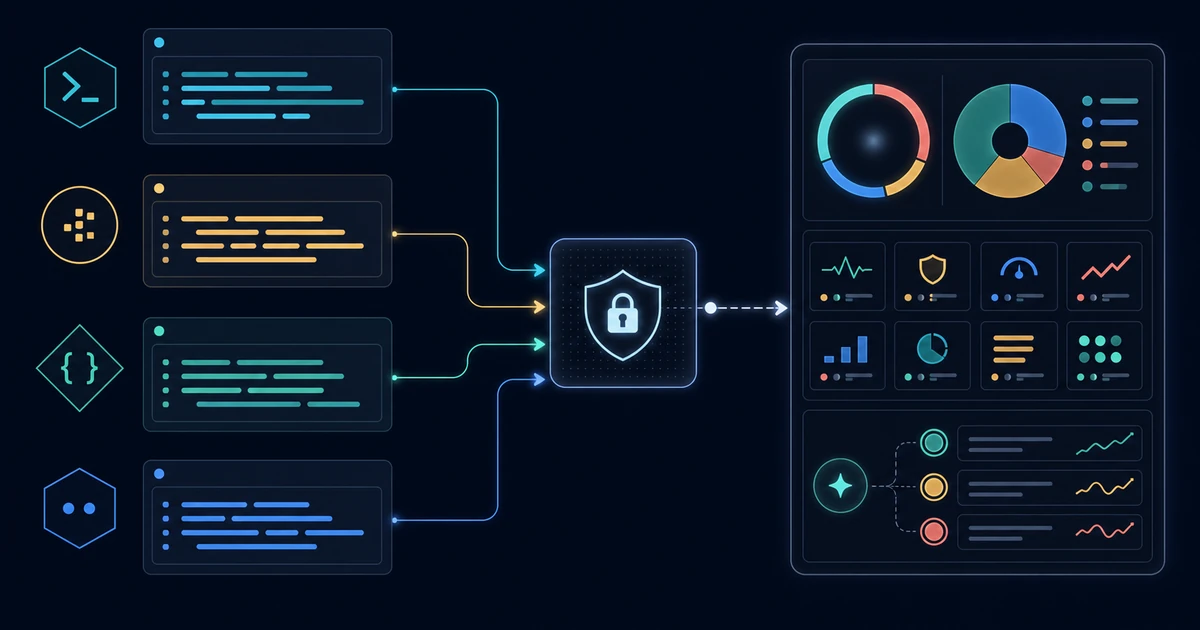
Prefer an SDK? Use pip install portiqa or npm install @portiqa/sdk. Source and more examples are on GitHub.
cURL (Terminal)
The quickest way to test your API key and see the payload format.
curl -X POST https://portiqa.ai/evaluate \
-H "Content-Type: application/json" \
-H "Authorization: Bearer ptq_YOUR_API_KEY" \
-H "X-Portfolio-Evaluator-Token: ptq_YOUR_API_KEY" \
-d '{
"risk_level": "medium",
"cash_balance": 5000,
"positions": [
{"ticker": "NVDA", "amount": 25, "market_value": 12500},
{"ticker": "AAPL", "amount": 60, "market_value": 15000}
]
}'
Python (Requests)
Ideal for data scientists, quantitative analysts, and backend services.
import requests
import json
url = "https://portiqa.ai/evaluate"
headers = {
"Content-Type": "application/json",
"Authorization": "Bearer ptq_YOUR_API_KEY",
"X-Portfolio-Evaluator-Token": "ptq_YOUR_API_KEY"
}
payload = {
"risk_level": "medium",
"positions": [
{"ticker": "MSFT", "market_value": 60000},
{"ticker": "GOOGL", "market_value": 40000}
]
}
response = requests.post(url, headers=headers, json=payload)
data = response.json()
print(json.dumps(data, indent=2))
JavaScript / TypeScript (Fetch API)
Perfect for embedding portfolio evaluation directly into frontend dashboards or Node.js backends.
const evaluatePortfolio = async () => {
const url = 'https://portiqa.ai/evaluate';
const apiKey = 'ptq_YOUR_API_KEY';
try {
const response = await fetch(url, {
method: 'POST',
headers: {
'Content-Type': 'application/json',
'Authorization': `Bearer ${apiKey}`,
'X-Portfolio-Evaluator-Token': apiKey
},
body: JSON.stringify({
risk_level: 'high',
cash_balance: 2000,
positions: [
{ ticker: 'NVDA', amount: 40, market_value: 28000 },
{ ticker: 'TSLA', amount: 20, market_value: 7000 }
]
})
});
if (!response.ok) {
throw new Error(`API Error: ${response.status}`);
}
const result = await response.json();
console.log('Portfolio Score:', result.evaluation.score);
} catch (error) {
console.error('Evaluation failed:', error);
}
};
evaluatePortfolio();
PHP (GuzzleHTTP)
For server-to-server communication using standard PHP tools.
require 'vendor/autoload.php';
use GuzzleHttp\Client;
$client = new Client();
$response = $client->post('https://portiqa.ai/evaluate', [
'headers' => [
'Authorization' => 'Bearer ptq_YOUR_API_KEY',
'X-Portfolio-Evaluator-Token' => 'ptq_YOUR_API_KEY',
'Accept' => 'application/json',
],
'json' => [
'risk_level' => 'low',
'positions' => [
['ticker' => 'SPY', 'market_value' => 100000]
]
]
]);
$result = json_decode($response->getBody(), true);
print_r($result);